Getting started on AWS


Should I read hundreds of thousands of whitepapers first? 🧻


Or just jump straight into it - hope for the best! 🤞
🤔
Well, to be honest…

There’s no correct approach when it comes to starting a cloud project!
Everyone has a preference for learning
-

"I like to follow step-by-step instructions"
Hypothetical Harry
-

"And I prefer to balance between both!"
Myself Marco
-

"I like the flexibility of guided discovery"
Example Ellie
What I’ve decided to do
Following the advice of architects already in the field, I’m following guided tutorials for my first few Cloud projects.
And more importantly, focusing on the fundamental features of AWS.
Services like Amazon EC2, RDS, Route 53 and so on.
Gradually building up, I’m working with these core technologies to gain a much deeper understanding of the mesh behind most solutions. Fostering a strong grasp on the most important utilities first. Then constantly enrich my understanding down the professional growth CI/CD pipeline.






-
Oh yeah, the classic.
This is probably the best beginner-friendly project to get started with because it not only uses a lot of AWS core services, but it’s a pretty common architectural pattern that many AWS customers adopt. So I’ve learnt a lot from this.
The solution involves a VPC with private & public subnets. Along with services like EC2, ECS, RDS, EFS and a few other components dependent on size.
With many roads into Rome, it’s been helpful to redeploy this set-up multiple times in different ways. Such as swapping out a VM for an container to run the application, and seeing how it’s done via the CLI. Perhaps setting up the security groups manually, or through the help of Elastic Beanstalk.
In the end, the result is a Wordpress application that’s hosted on Amazon compute, connected to a database, and is publicly accessible over the internet
-
Again, this uses a bunch of core services including: AWS Lambda, API Gateway, Amplify and so on.
Usually what’s always in project leader’s minds is “how can we reduce this app to leave managing infrastructure behind?”
Well this solution is great for companies who don’t want to draw their resources into provisioning, scaling and maintaining their servers.
Amplify console provides continuous deployment and hosting of the static web resources including HTML, CSS, JavaScript and image files which are loaded in the user’s browser.
JavaScript executed in the browser sends and receives data from a public backend API built using Lambda and API Gateway. Amazon Cognito provides user management and authentication functions to secure the backend API. Finally, DynamoDB provides a persistence layer where data can be stored by the API’s Lambda function.
-
This is where the fun begins.
In this workshop, I built a simple example of a flow for a customer service chatbot behind a fictitious company using Amazon Lex. Then, integrating that chatbot with Amazon Connect to create a call centre workflow.
Amazon Connect is a cloud contact centre service. Amazon Lex is useful for building conversational interfaces for applications using voice and text.
These are very common methods used by companies who want to provide a personalised experience for their customers.
I embrace all approaches into the bewildering world of cloud computing
These next projects stay ahead of the pack as a confident, practical guide through the maze of the industry’s cloud platform.
With the right information out there, here’s where I first got started:
Cloud-Skill Validation.
Whether you’re an employer, client, institution or just curious - I’m proud to share my work with you.
Step Inside
〰️
Step Inside 〰️
-
Welcome 👋
This page is built to showcase a collection of my mini projects on AWS.
The key to building hands-on experience on cloud is by actually doing it!
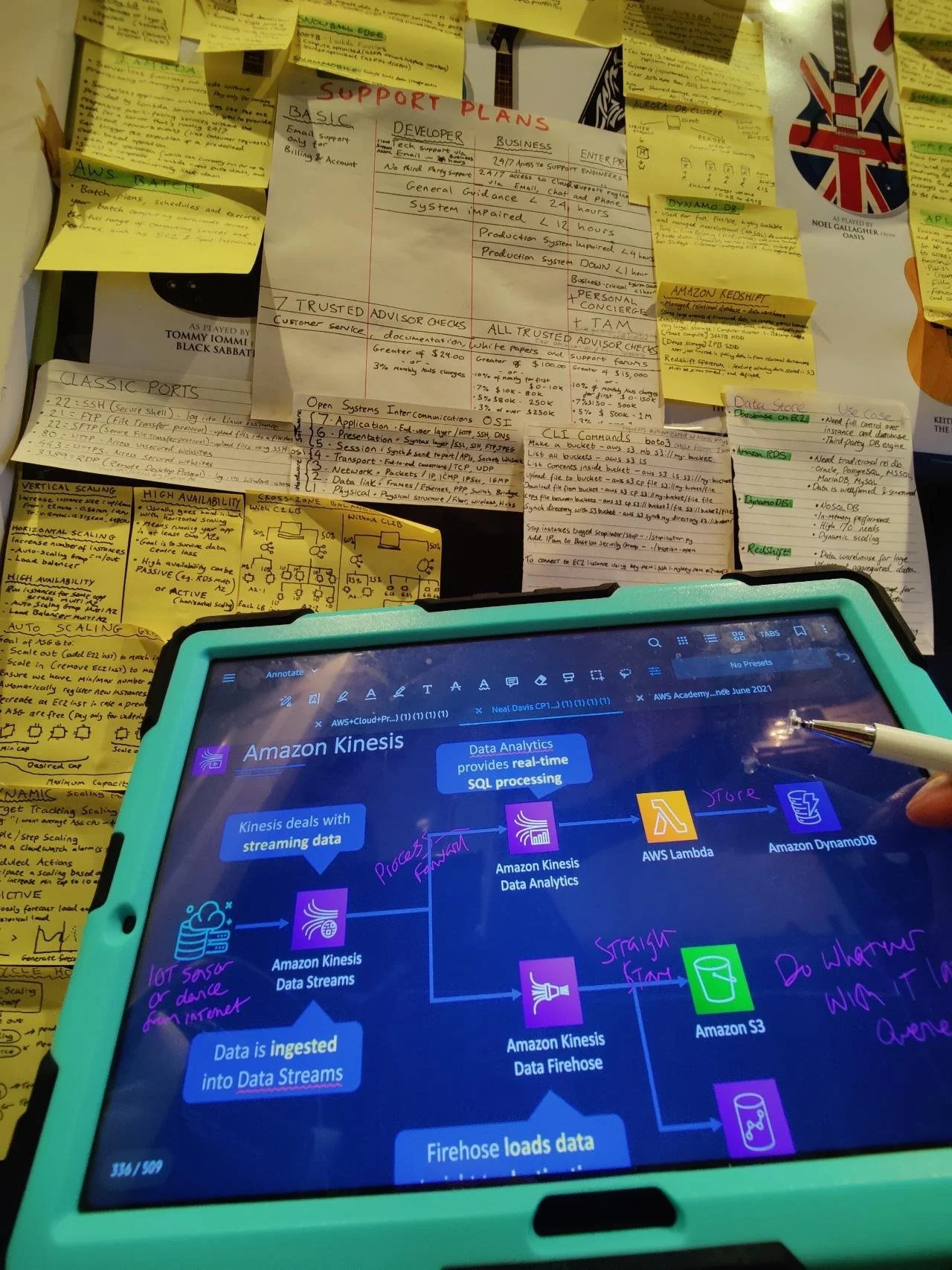
So to bridge that gap between theoretical knowledge and muscle memory, it’s important to think about the way which multiple services work together to build a solution. Constant tinkering helps me integrate emerging technologies into real-world situations.
-
Getting certified certainly bolstered my confidence, but it’s the real-world-skills which ultimately matter.
Most of my projects are based around my alias Marcoverse as if it were a real-world organisation. The possibilities are endless, and I’ve enjoyed:
Mimicking a mobile application
Building a static website.
Building a chatbot which can respond to simple queries
Connecting to a remote premesis via site-to-site VPNs.
And many more which you’ll see below 👇
These POCs develop my cloud muscle memory which I’m proud to demonstrate here ☁
-
I’ve been practicing my strengths, and strengthening my weaknesses.
It gets easier. Every day it gets a little easier. But I need to do it everyday - that’s the hard part.
But it does get easier 😎
As an avid record-keeper, it helps to track the areas I’m confident with, as well as those which need attention